

Free
$0to start
≈ 1 min of HD captioned video free
10 credits, once · no card
- Try the whole workflow on your own video
- 1 export at a time
AI video caption generator
Upload a clip, fix any word, export. Or let ChatGPT or Claude do it for you.
Captions in the language spoken in your video, detected automatically.
1 Choose your AI
Get guided through Claude’s connector setup, then upload your video securely.
Paste into Claude for guided setup. You add and authorize the connector. Full guide ↓
Captioned with ClipSubtitles
See how it works
Animated video captions
Explore readable looks and motion presets for short-form video. Preview a direction, then reuse it to keep every clip in a series visually consistent—without manual keyframes.
Previewing Bold Pop with Spring Pop motion.
Motion is shown at its end state because your system prefers reduced motion.
Style · Bold Pop
Motion · Spring Pop
Each style comes with a matching motion; change either. In the studio you preview the exact current version of your own clip at low resolution before you export.
How to add captions to a video
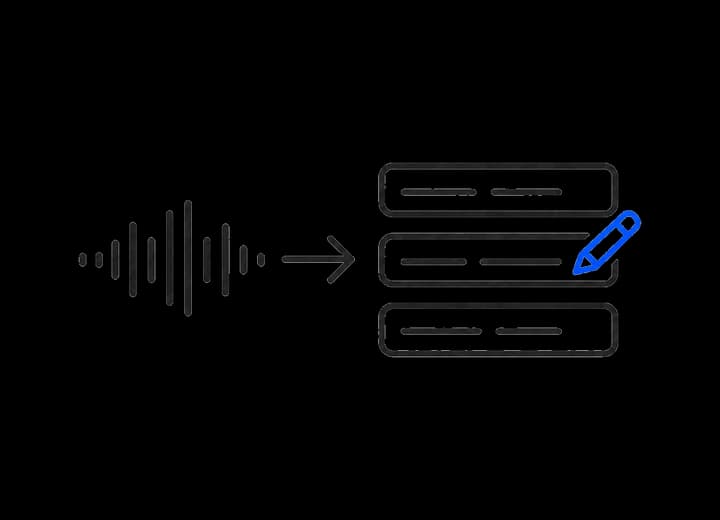
Speech becomes word-timed captions. If it hears “there” when you said “their”, correct that one word without rebuilding the rest.

Pick a readable caption style and motion, then preview the current version of your clip before you export.
Export a captioned video, a transparent overlay, or subtitle files — all from the same reviewed words and timing.
Your first minute is on us
Upload, review and style it in the browser before you export.
Made for the way you work
Start with one clip in the browser, repeat a look across client work, or connect the same workflow to an AI agent.
Add readable, animated captions to short videos without rebuilding every word on a timeline.
Reuse the same caption look across a series, then deliver publish-ready video and subtitle files.
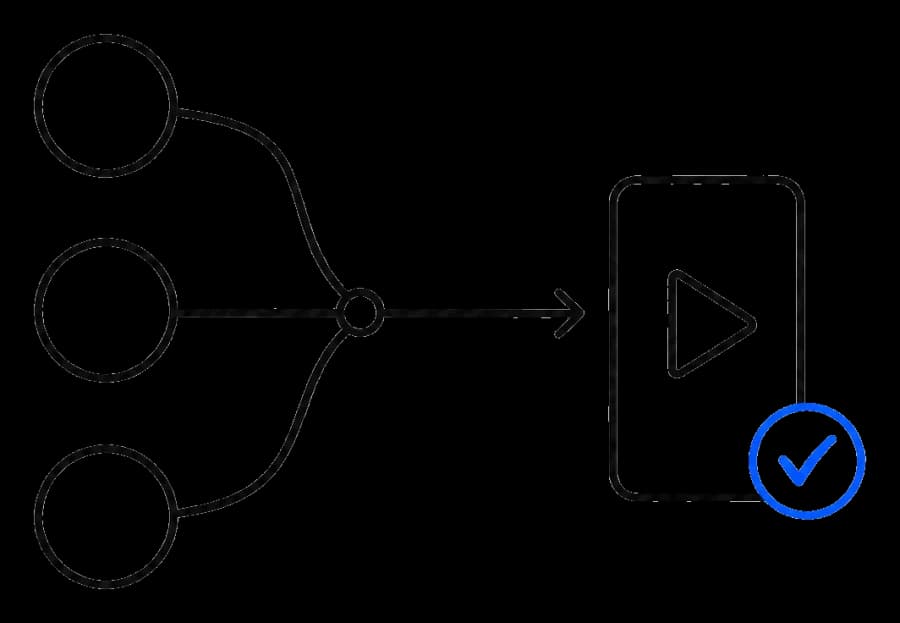
Let ChatGPT, Claude, Gemini or your own workflow prepare captioned videos while you keep approval over the final export.
AI and automation
Keep the same review, style and approval flow whether you work in the browser, chat with an agent or run your own automation.
Read the developer guide →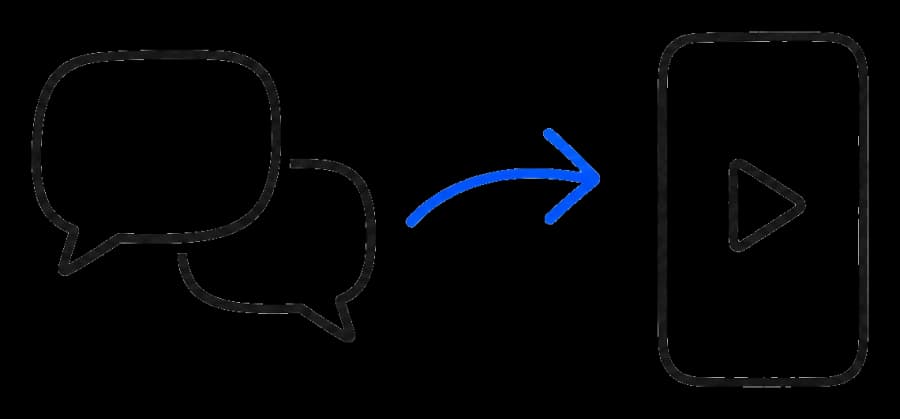
Ask ChatGPT or Claude to caption a clip, correct a word, try a style and prepare the export.
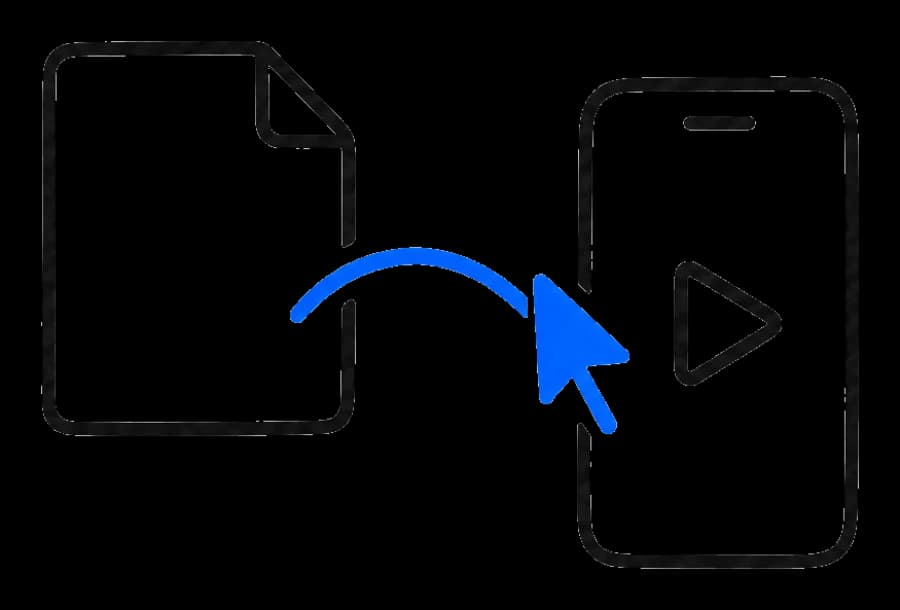
Use your preferred AI assistant to turn videos already in your workflow into captioned deliverables.
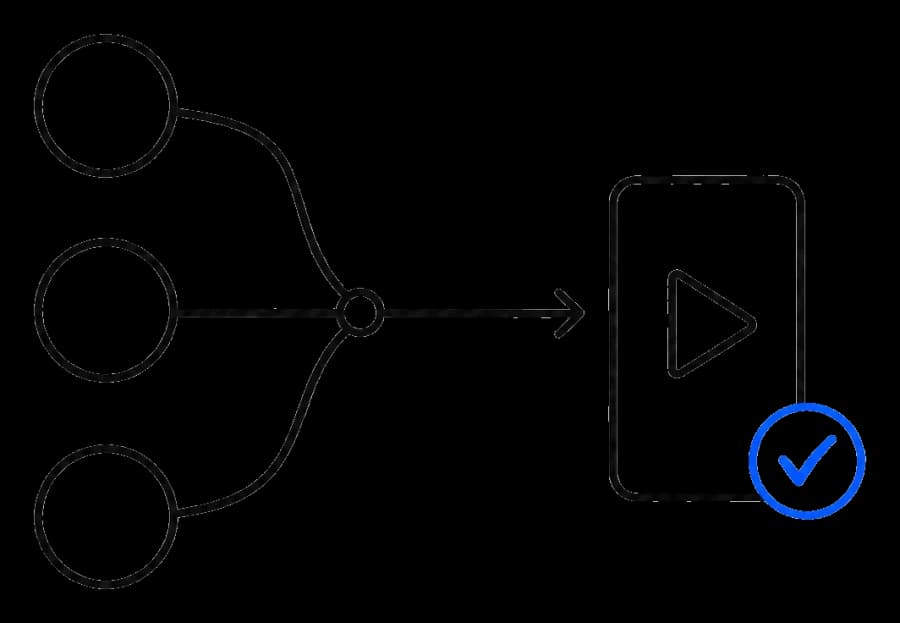
Connect through MCP or the API so your own system can prepare repeatable caption jobs for approval.
One guided prompt
Get guided through Claude’s connector setup, then upload your video securely.
In Claude, open Customize → Connectors → + → Add custom connector.
Name it ClipSubtitles and paste the server URL below. Follow the setup steps, then Connect and sign in. Enable it in your chat from + → Connectors.
On Team or Enterprise, ask an organization owner to add the connector first.
Ask for a secure upload page or provide a direct video URL. Review captions and approve the quoted credit cost before a paid export.
Claude connector setup help ↗https://api.clipsubtitles.com/api/mcphttps://api.clipsubtitles.com/api/mcpSimple pricing
No card to start. $12 a month is Creator billed yearly, or $15 month to month. Minutes mean HD (1080p) video with captions.
Free
$0to start
≈ 1 min of HD captioned video free
10 credits, once · no card
Creator
$12/ month
or $15 monthly
≈ 30 min of HD captioned video a month
Billed $144 a year · 3,600 credits (≈ 360 min) up front
Pro
$33/ month
or $39 monthly
≈ 100 min of HD captioned video a month
Billed $396 a year · 12,000 credits (≈ 1,200 min) up front
Studio
$84/ month
or $99 monthly
≈ 300 min of HD captioned video a month
Billed $1,008 a year · 36,000 credits (≈ 3,600 min) up front
Every plan: clips up to 10 minutes · Works in ChatGPT & Claude · Previews, edits and subtitle files are always free
10 credits = 1 minute of HD video with captions. Credits are only used for finished videos.
Questions
Upload a short video and ClipSubtitles generates timed captions from its speech. Review the transcript, choose a style and motion, preview the result, then export the captioned video or subtitle files you need.
Yes. Review the transcript and change individual words before you export. The surrounding word timing stays in place, so a small correction does not mean rebuilding the whole caption track.
Yes. Choose a caption style and motion preset, then preview the current version of your clip before starting a paid render.
Choose a captioned video, transparent caption overlay or separate subtitle file from the same reviewed words and timing.
Yes. Agents can import a clip, generate captions, apply word edits, choose a style, request a preview and prepare an export through MCP or the video caption API. A person still approves before a paid export begins.
Your first minute is on us
Bring one video. Leave with styled, publish-ready captions.