

Captions for YouTube Shorts
Give every YouTube Short clear, timed captions.
Create captions from the spoken clip, correct the transcript, preview a vertical-safe style and choose a captioned video or separate subtitle file.
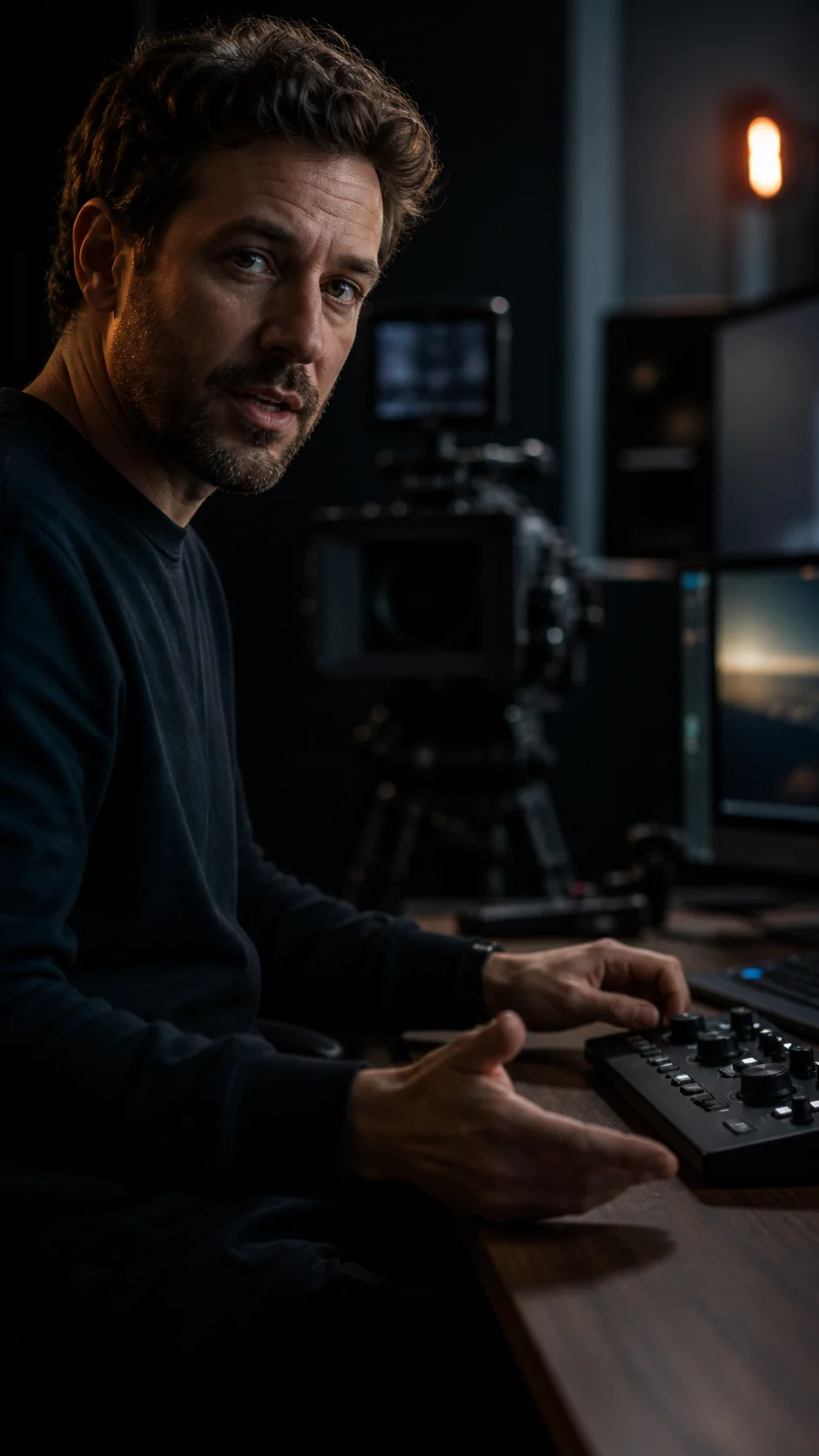
weshippedtheupdate
Quick answer
How do I add captions to a YouTube Short?
Upload the Short, generate timed captions, correct the transcript and preview the styled result. Export a burned-in MP4 when you want the design fixed in the video, or download an SRT or VTT file when you want a separate subtitle track. YouTube can also create automatic captions for Shorts, but they appear only when a viewer turns captions on, in the player’s own style.
How it works
Prepare captions for a YouTube Short
Create one reviewed caption source, then choose the output that fits your upload workflow.
 01
01Upload the Short
Start with the vertical video and spoken audio you intend to publish.
 02
02Review captions and style
Correct the timed transcript and preview a readable treatment for mobile viewing.
 03
03Choose the export
Download a captioned MP4, or keep the approved timing in an SRT or VTT file.
Flexible YouTube caption workflow
Burned-in style or a separate subtitle track.
Consistent visual captions
Use a captioned MP4 when the exact type, colour and motion should always show.
Separate subtitle files
Export SRT or VTT from the same reviewed transcript when the platform should control display.
Review before rendering
Check transcript accuracy and the visual preview before creating the finished output.
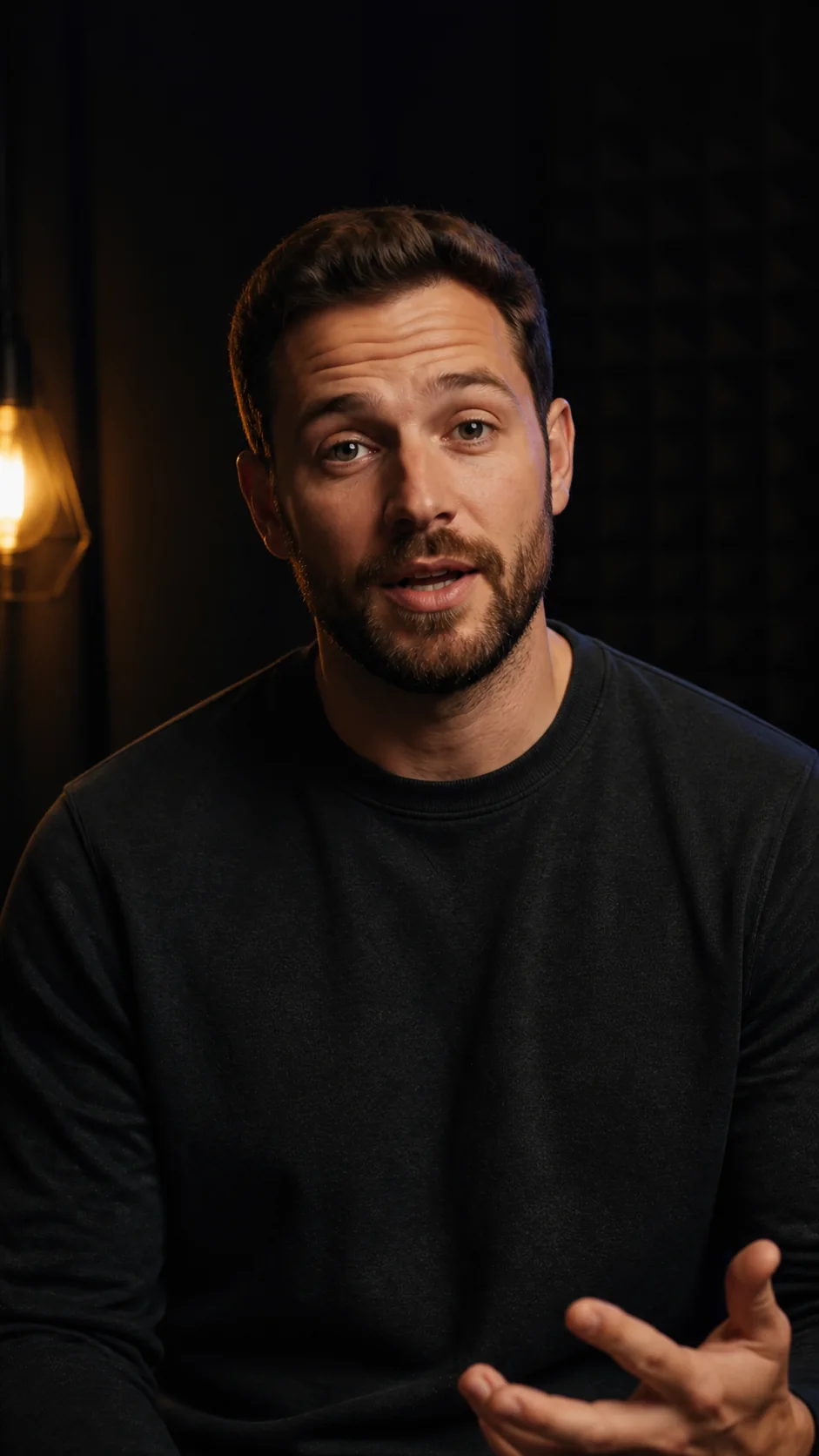
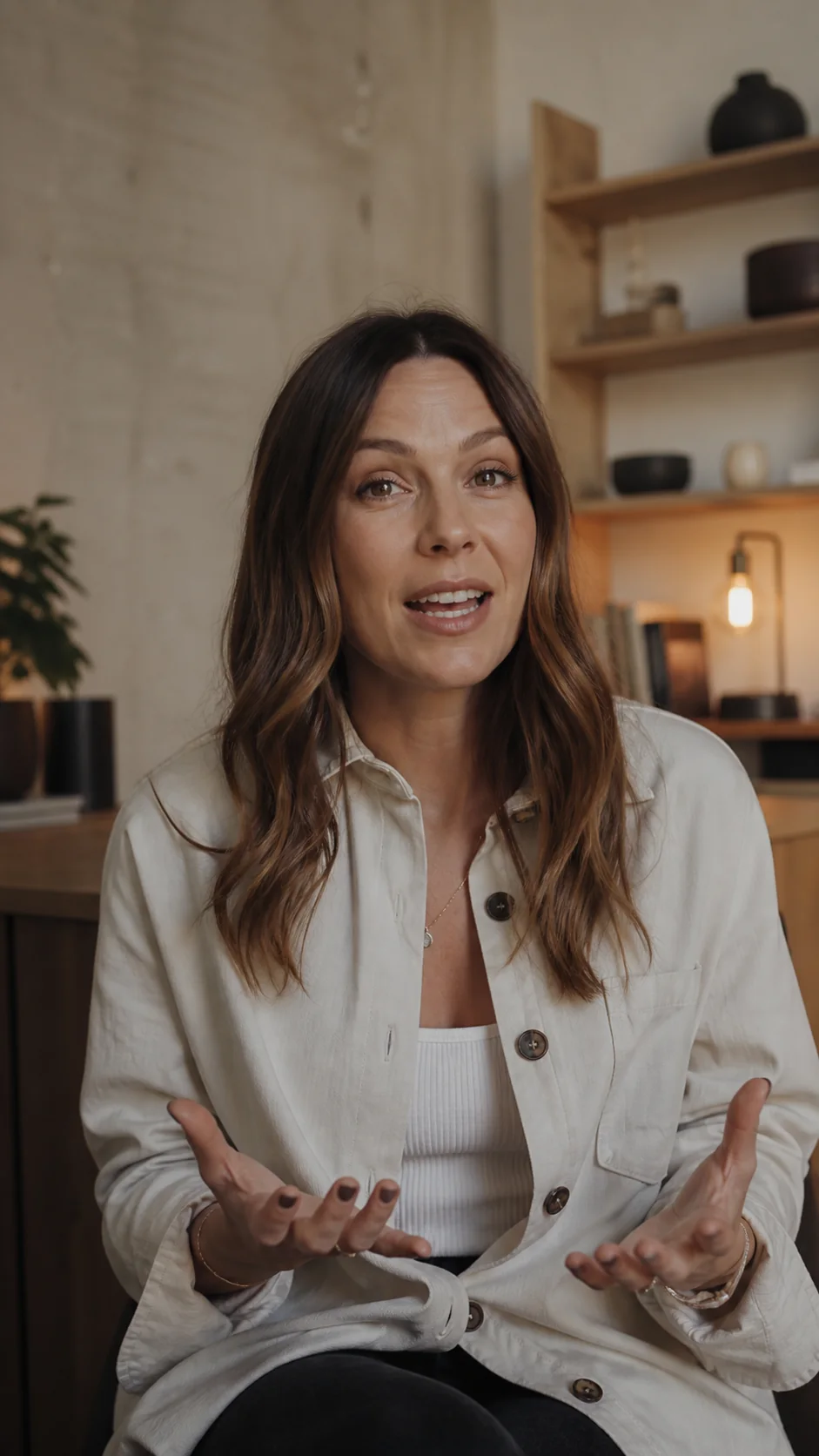
Captions in context
Made to look at home in the video.
Questions
What you need to know.
Can I add animated captions to YouTube Shorts?
Yes. Choose a style and motion preset, preview it and export the captions burned into the video.
Can I download an SRT file for a YouTube Short?
Yes. SRT and VTT subtitle files can be exported from the reviewed caption timing, free of credits. YouTube’s help pages list both among its supported caption file formats.
Doesn’t YouTube caption Shorts automatically?
YouTube can create automatic captions for Shorts with speech recognition. They are a closed-caption track: viewers have to turn them on, and the player controls the look. Burn captions in when you want them visible and styled for every viewer, including muted autoplay.
Should I use burned-in captions or an SRT file?
Use burned-in captions when the exact visual design must always show. Use a separate subtitle file when you want the player to control caption display and viewers to be able to turn captions off. Many creators burn in styled captions and also keep an SRT for YouTube.
Sources
Where these facts come from.
Other platforms’ pages, checked 28 September 2026. Their settings and plans change, so check them before you rely on a detail:
Your first minute is on us
Prepare captions for your next Short.
Review once, then export the video or subtitle file your workflow needs.