

Video caption API
A caption API that finishes the video.
ClipSubtitles is a video caption API for AI agents and product teams: send a short video and get back reviewed, styled captions as a finished MP4, a transparent overlay or SRT and VTT files, through MCP or REST.

weshippedtheupdate
Quick answer
What does a video caption API return?
A complete video caption API goes beyond speech-to-text: it accepts a clip, creates timed captions, supports corrections and styling with instant previews, and returns finished video or subtitle outputs. ClipSubtitles exposes that workflow through REST and MCP, and every paid render waits for an approved quote.
How it works
Build a complete video caption workflow
Use goal-oriented operations instead of stitching transcription, timing and rendering together yourself.
 01
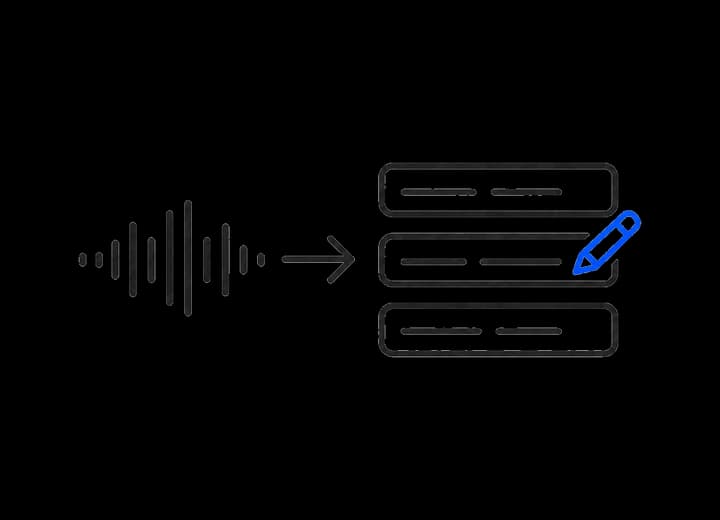
01Import and transcribe
Create a caption project from an upload target or supported source, then generate timed words.
 02
02Review and update
Read the current project version and apply explicit word or style changes.
 03
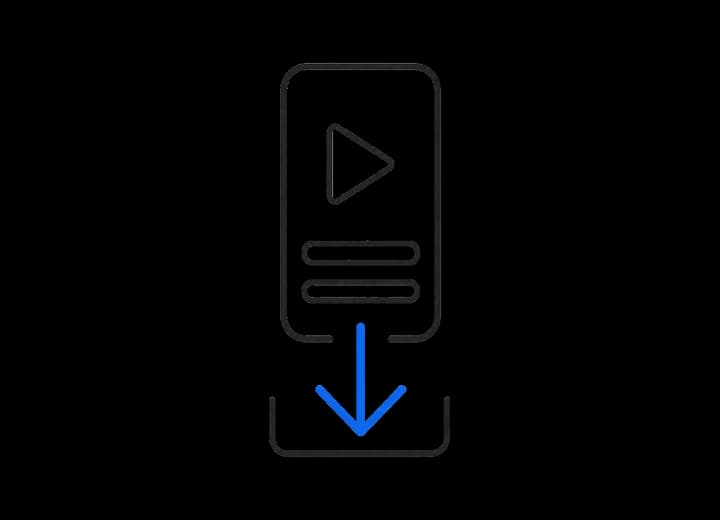
03Preview and export
Request a preview, receive a fixed quote and start a paid render only after approval.
Designed for agents and products
A reliable caption job, not just a transcript.
Typed operations
MCP tools and REST routes share product contracts for the same project workflow.
Recoverable progress
Long-running caption and export work can continue without keeping a browser tab open.
Approval before spend
A paid render is quoted first and requires the approved amount before it starts.
At a glance
The API at a glance
Ready to connect? The developer docs cover the endpoint, sign-in and every tool. Plan details are on the pricing page.
- Who it is for
- Agent builders, automation teams and apps that need a finished captioned video, not just a transcript.
- Access
- A remote MCP server with browser sign-in (OAuth) and a REST API described by an OpenAPI spec. Included on every plan, including Free.
- Outputs
- Captioned MP4, a transparent ProRes 4444 overlay (MOV), and SRT or VTT subtitle files from the same reviewed words.
- Cost per finished minute
- MP4: 6 credits at 720p, 10 at 1080p. Transparent overlay: 8 credits at 1080p. SRT, VTT and previews use no credits.
- Plans
- Free to start with 10 one-time credits. Paid plans from $12/month billed annually ($144/year) or $15 month to month.
- Limits
- Up to 500 MB and 10 minutes per source video. 1 to 4 renders at a time, depending on plan.
- Approval
- A paid render returns a fixed credit quote first and starts only after explicit approval of that amount.
AI and automation
Power your captions with AI and automation.
Keep the same review, style and approval flow whether you work in the browser, chat with an agent or run your own automation.
Read the developer guide →- ChatGPT & Claude

From a conversation
Ask ChatGPT or Claude to caption a clip, correct a word, try a style and prepare the export.
- ChatGPT, Claude & Gemini
From your workspace
Use your preferred AI assistant to turn videos already in your workflow into captioned deliverables.
- MCP & API
From an automation
Connect through MCP or the API so your own system can prepare repeatable caption jobs for approval.
One guided prompt
Claude
Get guided through Claude’s connector setup, then upload your video securely.
In Claude, open Customize → Connectors → + → Add custom connector.
Name it ClipSubtitles and paste the server URL below. Follow the setup steps, then Connect and sign in. Enable it in your chat from + → Connectors.
On Team or Enterprise, ask an organization owner to add the connector first.
Ask for a secure upload page or provide a direct video URL. Review captions and approve the quoted credit cost before a paid export.
Claude connector setup help ↗Manual setup
https://api.clipsubtitles.com/api/mcp- First use
- Sign in through your browser
- Endpoint
https://api.clipsubtitles.com/api/mcp
Captions in context
Made to look at home in the video.


Questions
What you need to know.
What can the video caption API do?
It can create a project, generate captions, read and update the current version, open the instant caption editor, prepare an export, track tasks and cancel work.
How much does the video caption API cost?
API and MCP access is included on every plan. Finished renders use credits (10 per minute for a 1080p MP4); subtitle files and previews are free. Free to start with 10 one-time credits. Paid plans from $12/month billed annually ($144/year) or $15 month to month.
Can an AI agent use ClipSubtitles?
Yes. The same workflow is exposed through MCP for compatible agents and through the REST API for product integrations.
Does the API start paid exports automatically?
No. It returns a fixed cost first; the export starts only with explicit approval for that amount.
Your first minute is on us
Give your agent a complete caption workflow.
Read the developer docs to connect by MCP or REST, or caption your first minute of video for free.