

Automatic video captions
Automatic captions you can still get right.
Generate a word-timed transcript from a short video, make precise corrections and carry the approved words into every preview and export.

weshippedtheupdate
Quick answer
What are automatic video captions?
Automatic video captions are timed words created from the speech in a video. A useful caption generator should still let you review the transcript, correct names or specialist terms, preview the styling and choose how the captions are exported.
How it works
Generate automatic video captions
Move quickly without giving up the final review.
 01
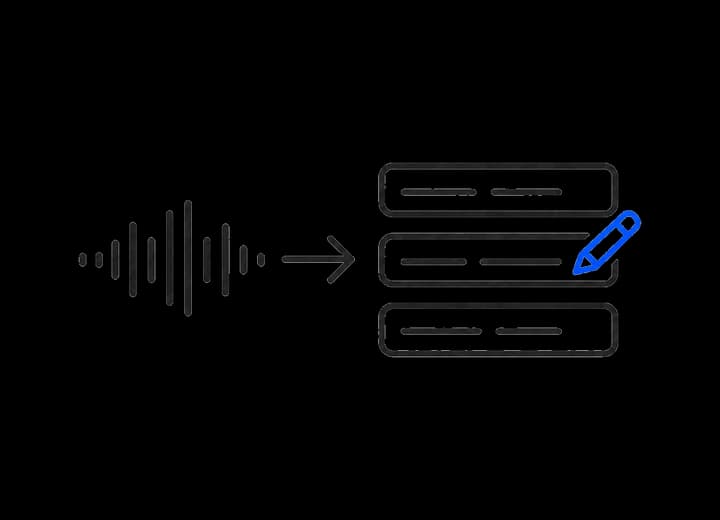
01Transcribe the speech
ClipSubtitles turns the spoken audio into timed caption words.
 02
02Review the transcript
Correct individual words while the surrounding timing remains in place.
 03
03Approve the result
Preview the styled captions and choose what to export.
Fast first pass, precise finish
Spend time on the message, not manual timing.
Word-level control
Inspect and correct the transcript at the level that matters.
Preview before export
Check the current words and style before creating the finished files.
One reviewed source
Video, overlay and subtitle outputs stay tied to the same reviewed caption timing.
Captions in context
Made to look at home in the video.

Questions
What you need to know.
What are automatic video captions?
They are timed on-screen words generated from the speech in a video, ready for review and styling.
Can I correct a transcription mistake?
Yes. Corrections are explicit word edits, so the system does not silently rewrite what was said.
Can I preview automatic captions before exporting?
Yes. You can render a low-resolution preview of the current transcript, style and motion.
Your first minute is on us
Generate captions, then make them yours.
Start with an automatic transcript and finish with a result you have reviewed.