

Burned-in captions vs SRT
Burned-in captions or an SRT file?
Burned-in (open) captions are drawn into the video frames, so they always show and look exactly as designed. An SRT file holds the same words and timings as plain text; the player shows them as closed captions that viewers can switch on or off.
weshippedtheupdate
Quick answer
Which should you use: burned-in captions or SRT?
Burn captions in when the look matters and the platform has no caption-file upload, which is common for short vertical video: they play everywhere, including muted autoplay. Upload an SRT or VTT file when the platform accepts one, such as YouTube or LinkedIn: viewers can turn it off, it stays sharp at any size, and you can fix a typo without re-exporting the video. Many creators do both.
How it works
How to choose, in three questions
Answer these for each platform you post to, then export what it needs.
 01
01Does the platform take a caption file?
YouTube accepts SRT, VTT and other formats, and LinkedIn takes an SRT when you post from desktop. TikTok generates its own captions and its pages we checked describe no SRT upload, so for TikTok, burn captions in if you want them styled. Check each platform’s help pages for the rest.
 02
02Does the caption design matter?
A caption file is shown in the player’s own font and position. If you want a specific style, colour, position or word-by-word motion, it has to be burned into the video.
 03
03Export from the same words
Correct the transcript once, then export a burned-in MP4 for the feed and an SRT or VTT for platforms and editors that take files. The text and timings match because they come from the same reviewed words.
The trade-offs
What each format is good at.
Burned-in: always visible, fully styled
Plays the same in every app and on muted autoplay, with your font, colours and motion. It can’t be turned off, and fixing a word means rendering the video again.
SRT: switchable and easy to fix
A small text file of numbered cues with start and end times. Viewers can turn it off, players scale it cleanly, and a typo is a text edit. Styling is up to the player.
VTT: SRT for the web
WebVTT is the caption format web video players use. It carries the same cues as SRT with a slightly different header and timestamp style; use whichever the platform or player asks for.
At a glance
What the platforms accept
- YouTube and Shorts
- Uploads SRT, VTT and other caption files, and YouTube creates automatic captions for long-form videos and Shorts.
- Attach an SRT file with Select Caption when you post a video from desktop.
- TikTok
- Auto captions that creators can edit. We found no SRT upload on TikTok’s pages; burn captions in to control the look.
- Other video editors
- Most editors import SRT. For styled captions over your edit, use a burned-in MP4 or a transparent caption overlay.
Captions in context
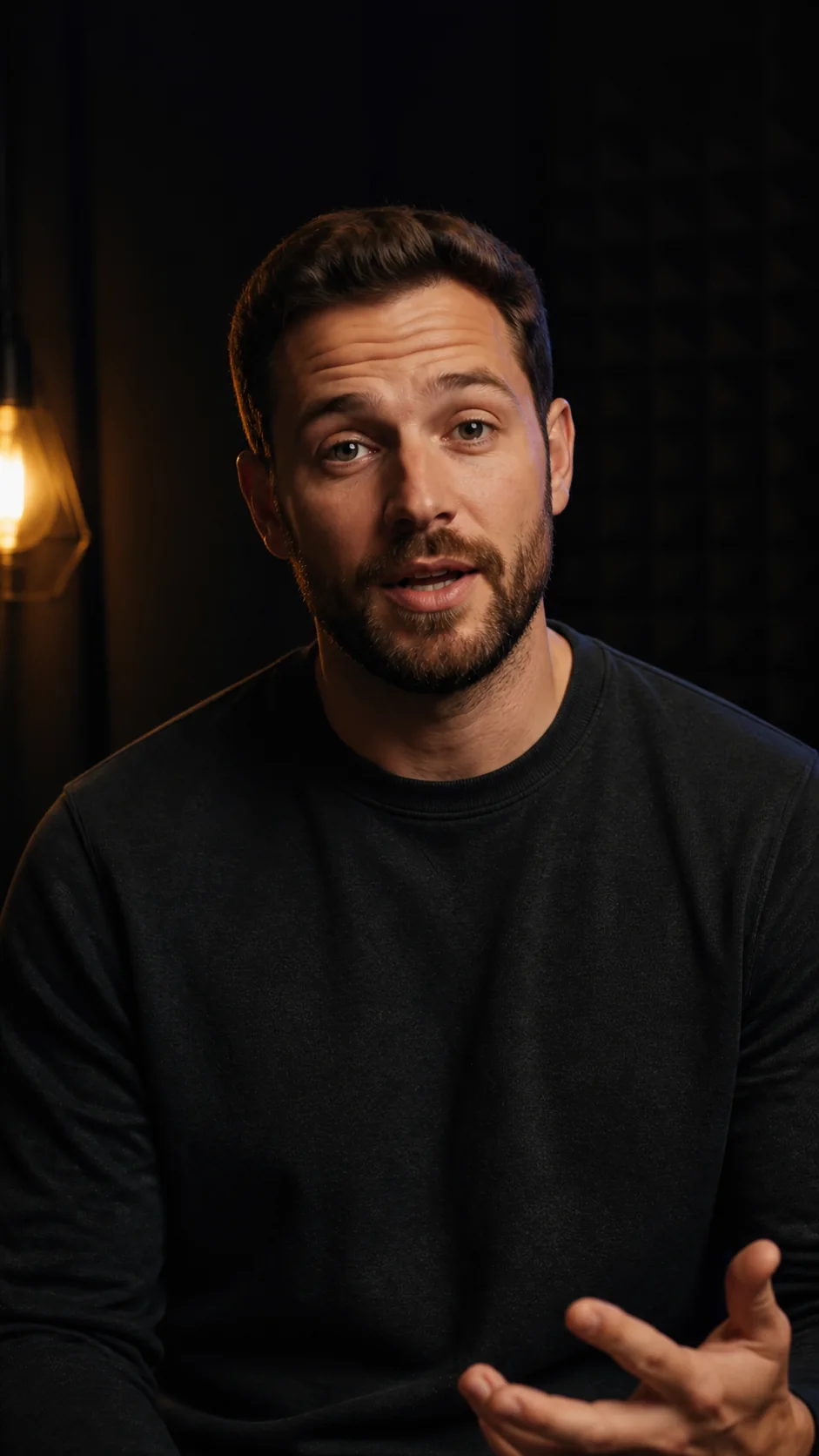
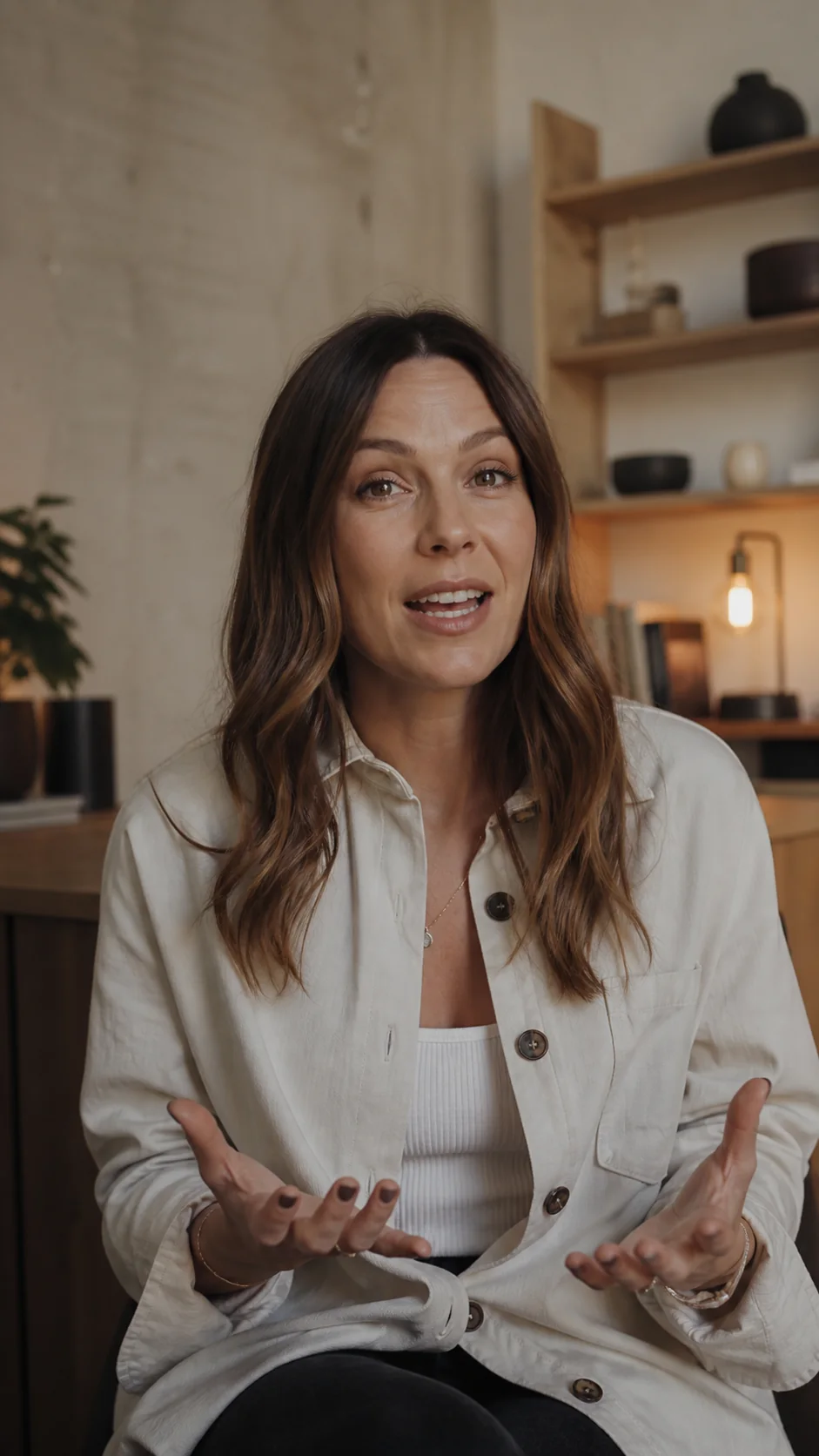
Made to look at home in the video.
Questions
What you need to know.
What is the difference between open and closed captions?
Open captions are burned into the video and always show. Closed captions are a separate track, such as an SRT or VTT file, that the viewer can turn on or off.
Are burned-in captions bad for SEO or accessibility?
Burned-in text is part of the picture, so a platform can’t read it as a caption track and viewers can’t resize or restyle it. Where a platform accepts a caption file, upload one as well; it costs nothing extra to export.
Can I get both from one video?
Yes. ClipSubtitles exports a burned-in MP4, an SRT and a VTT from the same reviewed transcript. The SRT and VTT use no credits; a 1080p MP4 uses 10 credits per finished minute.
Can I edit an SRT file after exporting it?
Yes. SRT is plain text: each cue has a number, a start and end time, and the caption line, so any text editor can fix a word. Keep the timing lines intact.
Should I upload an SRT and burn captions in at the same time?
Avoid showing both on screen at once. If you burn captions in, leave the platform’s captions off by default, or viewers who turn them on see the words twice.
Sources
Where these facts come from.
Other platforms’ pages, checked 28 September 2026. Their settings and plans change, so check them before you rely on a detail:
Your first minute is on us
Export the captions each platform needs.
Review the words once, then download a burned-in MP4, an SRT and a VTT.