

Captions for TikTok videos
Make every word readable on TikTok.
Turn spoken audio into animated captions, correct names and phrases, keep the text in a safe viewing area and export a vertical video ready to post.
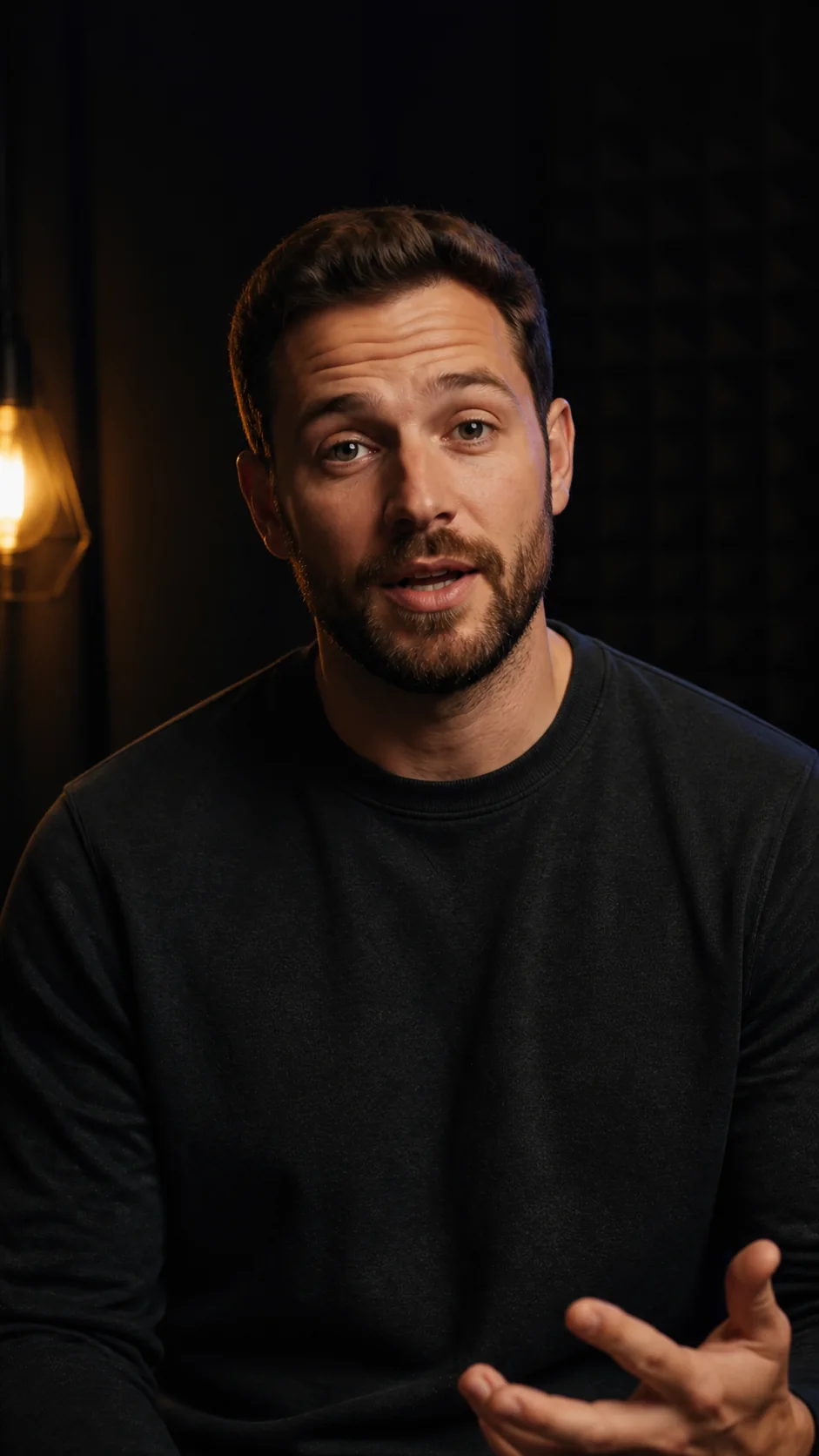
weshippedtheupdate
Quick answer
How do I add captions to a TikTok video?
Upload the finished vertical clip, generate captions from its dialogue, correct the transcript and position the text away from TikTok interface controls. Export a captioned MP4 so the styled words remain visible when the video is posted.
How it works
Create TikTok captions in three steps
Keep the workflow focused on the spoken clip and the final mobile frame.
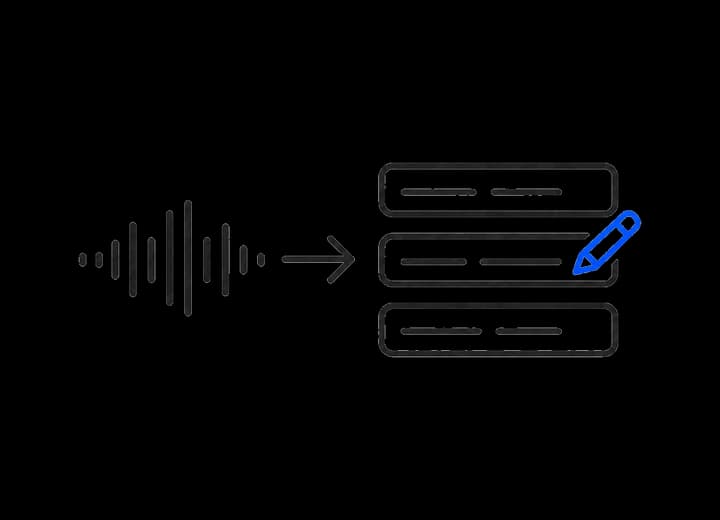 01
01Upload the vertical clip
Start with the edited TikTok video that contains the dialogue you want viewers to read.
 02
02Review words and placement
Correct the transcript, choose a readable look and keep captions clear of edge controls.
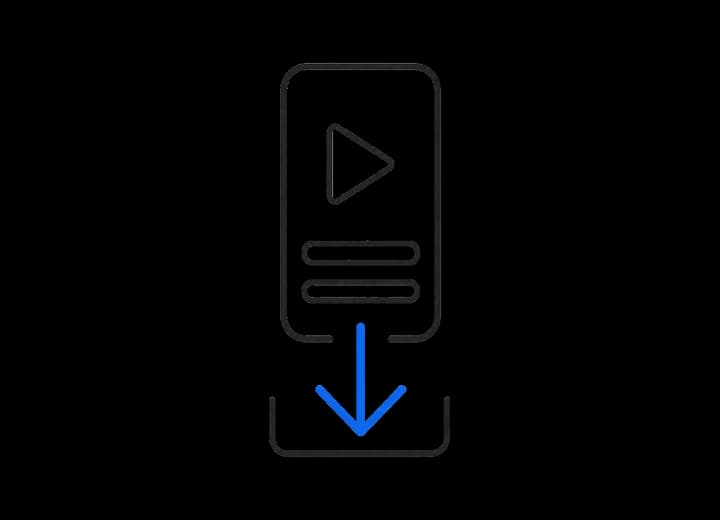 03
03Preview and export
Watch the styled result, then export a captioned MP4 ready for upload.
Built for sound-on or sound-off viewing
Captions that belong in the mobile frame.
Burned-in captions
The styled words travel with the MP4 instead of depending on a viewer setting.
Precise corrections
Fix creator names, product terms or slang before the video is rendered.
Reusable visual direction
Carry the same caption style across a recurring TikTok series.
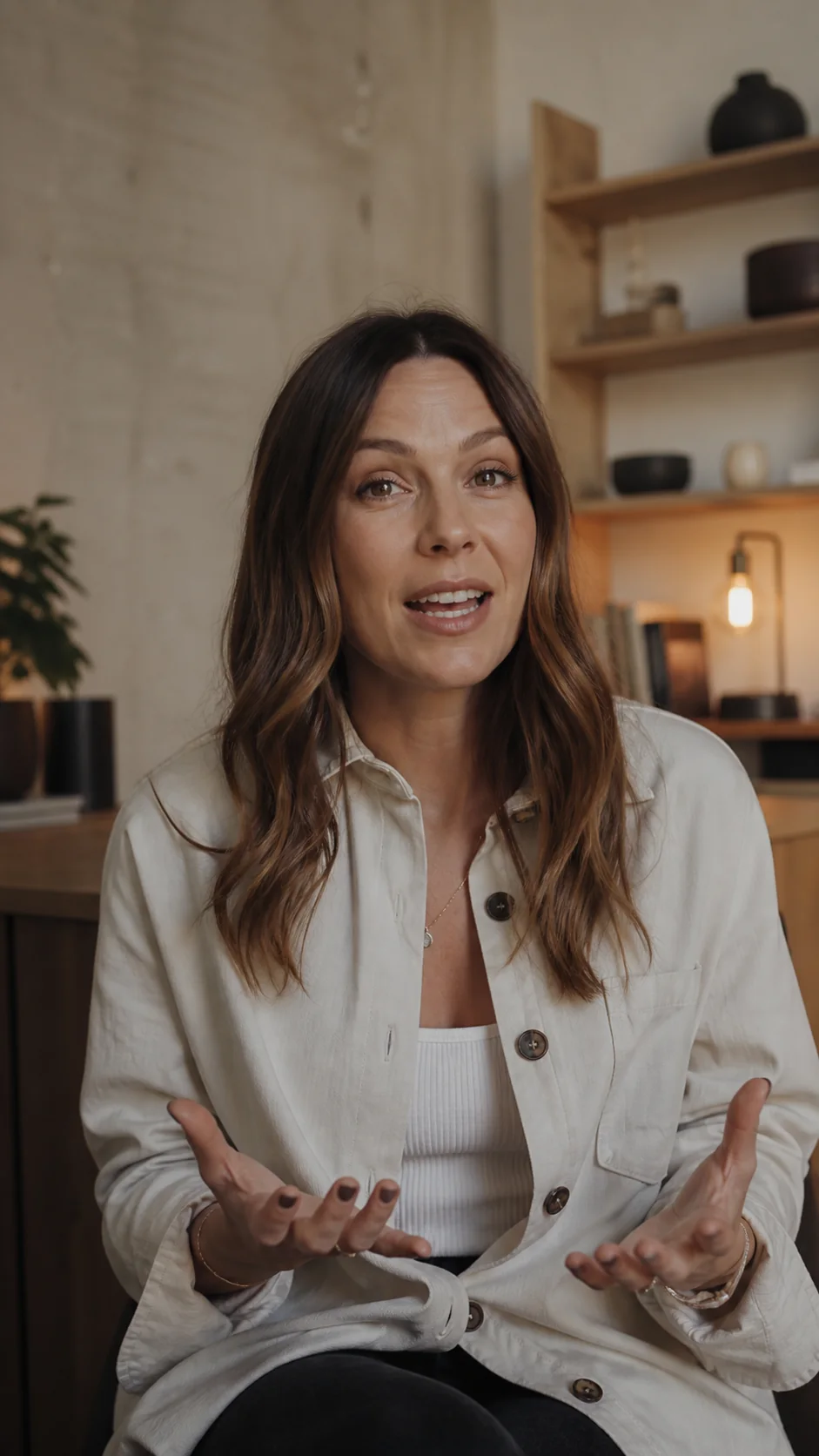
Captions in context
Made to look at home in the video.

Questions
What you need to know.
Can I add animated captions to a TikTok video?
Yes. Choose a caption style and motion preset, then preview the movement before exporting.
Should TikTok captions be burned into the video?
Burned-in captions preserve your chosen font, colour, motion and placement in the exported MP4.
Can I correct TikTok captions before exporting?
Yes. Review and edit individual words before creating the final captioned video.
Your first minute is on us
Caption your next TikTok video.
Bring the clip, check every word and export it ready to post.