

Captions with ChatGPT or Claude
Add captions to a video from ChatGPT or Claude.
Connect ClipSubtitles to ChatGPT or Claude once. Then attach a short video in the chat and ask for captions: the assistant creates word-timed captions, makes the word fixes you ask for, shows styles on your clip and quotes the cost before anything is rendered.
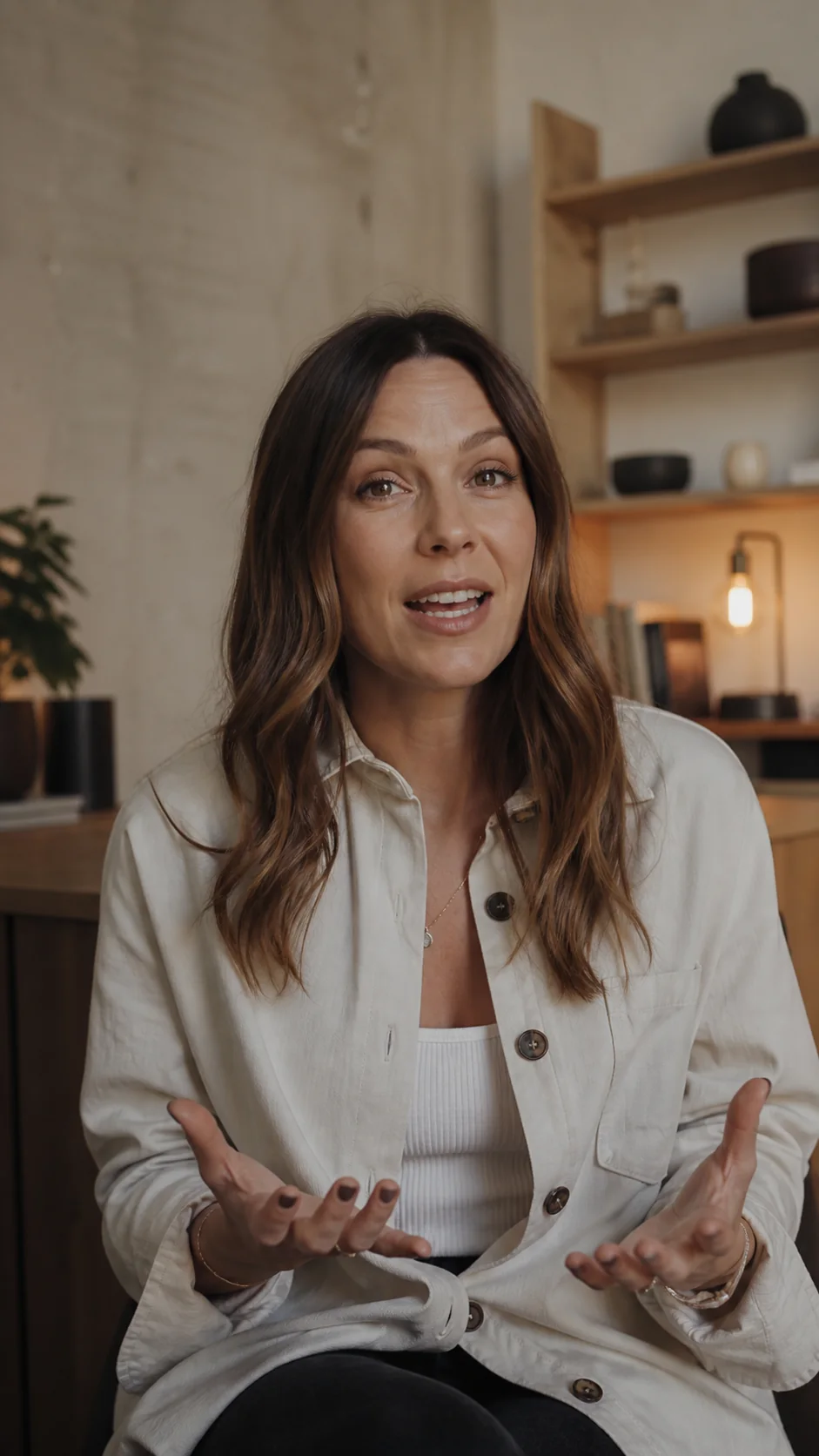
weshippedtheupdate
Quick answer
Can ChatGPT or Claude add captions to a video?
Yes, once a caption tool is connected. Add the ClipSubtitles MCP server (https://api.clipsubtitles.com/api/mcp) as a custom connector, sign in through the browser, then attach a video and ask for captions. The assistant transcribes the speech into timed captions, lets you correct words and choose a style, and returns a captioned MP4 or an SRT or VTT file after you approve a fixed credit quote.
How it works
How to caption a video in ChatGPT or Claude
Connect once, then every caption job is a conversation: ask, review the card, approve the export.
 01
01Connect ClipSubtitles once
In ChatGPT on the web, turn on Developer mode (Settings → Security and login), then open Plugins, select + and create an app with the connector URL. In Claude, open Customize → Connectors → + → Add custom connector and paste the same URL. Sign in to ClipSubtitles when the browser asks.
 02
02Attach a video and ask for captions
Attach the clip and write “Caption this video”, or paste a public video link. The in-chat upload card takes files up to 30 MB; larger videos (up to 500 MB and 10 minutes) go through the web uploader link the assistant gives you. The assistant imports the video and generates word-timed captions.
 03
03Fix words, pick a look, approve
Name exact fixes (“change afternoon to evening”) and a style (“Bold Pop at the top”), and the card shows the result on your clip. Ask for an MP4 and an SRT: you get a fixed credit quote, approve it in the card, and the download links follow.
Why do it in the chat
The assistant does the steps. You keep the decisions.
Your words, not a rewrite
The assistant can only apply the word changes you ask for. ClipSubtitles never paraphrases or “cleans up” what was said.
A price before every render
Previews, edits and subtitle files are free. A finished video starts only after you approve its exact credit cost, and a failed or cancelled render gives the credits back.
Pick up where you left off
Projects live in your ClipSubtitles account. In a new chat, ask for your earlier caption project and the assistant continues with it instead of starting over.
At a glance
What you need
- Connector URL
- https://api.clipsubtitles.com/api/mcp
- Sign-in
- Browser sign-in (OAuth) to your ClipSubtitles account. There is no API key to paste into the chat.
- ChatGPT
- Developer mode, which OpenAI offers on Plus, Pro, Business, Enterprise and Education accounts on the web.
- Claude
- Custom connectors, which Anthropic offers on Free, Pro, Max, Team and Enterprise plans. Free accounts can add one custom connector.
- Your video
- A short, finished clip with speech: MP4, MOV, M4V, WEBM or MKV (audio files work too). Up to 500 MB and 10 minutes.
- Cost
- Free to start with 10 one-time credits. A 1080p MP4 uses 10 credits per finished minute; SRT, VTT and previews use none.
- Not included
- Translation, cutting or editing the video, social-post captions and image alt text.
Captions in context
Made to look at home in the video.
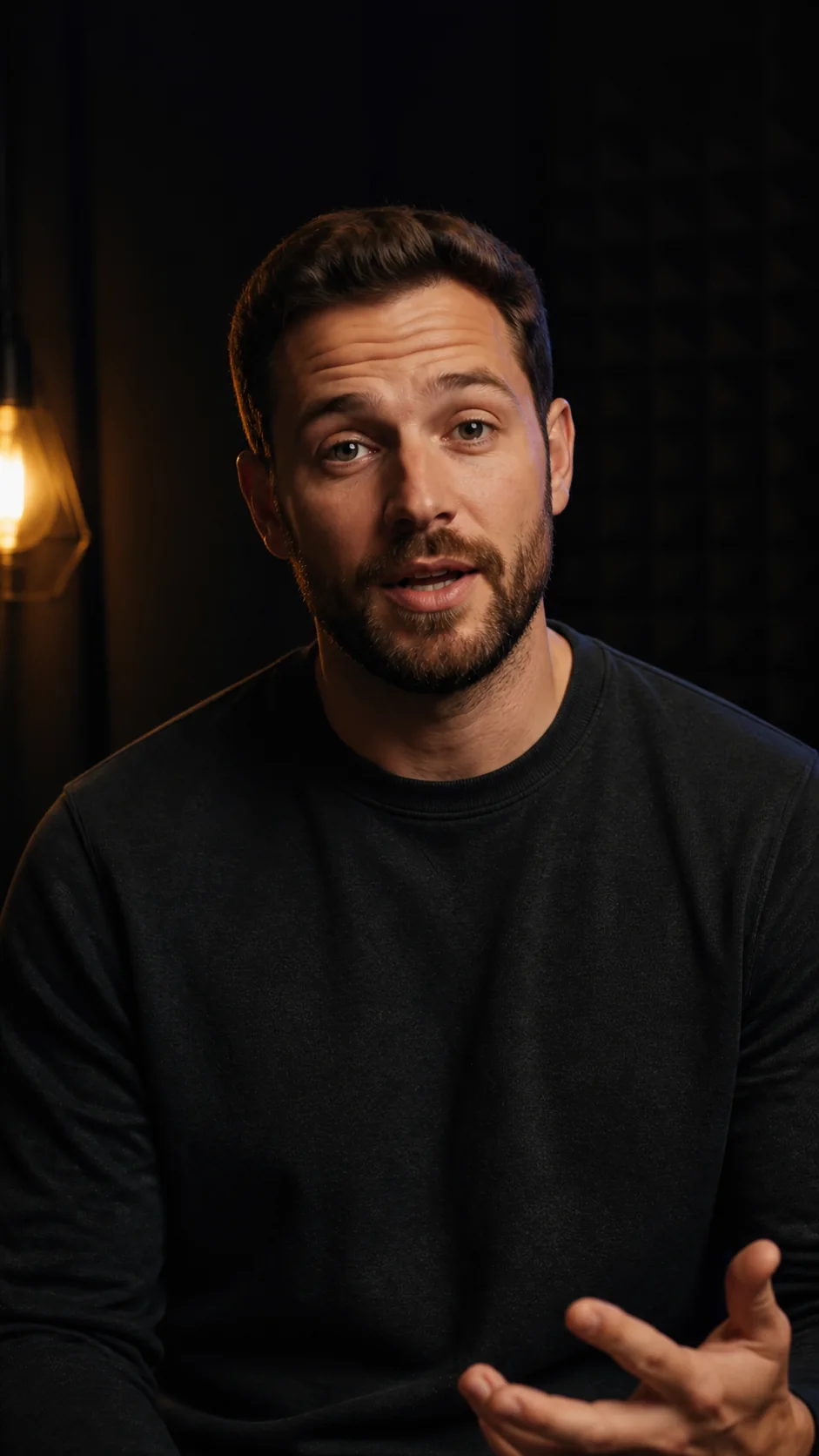

Questions
What you need to know.
Is ClipSubtitles in the ChatGPT app directory?
Not at the time of writing. Add it yourself as a custom connector with the URL above; the captions workflow is the same.
Does captioning in ChatGPT or Claude cost extra?
Your ChatGPT or Claude plan is separate. ClipSubtitles uses its own credits: 10 free to start, then a plan. The assistant shows the exact credit cost and waits for your approval before a paid render.
Will the assistant change what I said?
No. Captions follow the speech. Only the word corrections you ask for are applied, one word at a time, each keeping its timing.
Can it write a caption for my Instagram or TikTok post?
No. ClipSubtitles makes on-screen subtitles from the speech in a video. Post captions, hashtags and image alt text are a different job.
Does this work in Codex, Claude Code or Cursor?
Yes. The same connector URL works in any MCP client. The developer docs have the command for each one.
Sources
Where these facts come from.
Other platforms’ pages, checked 28 September 2026. Their settings and plans change, so check them before you rely on a detail:
Your first minute is on us
Caption your next clip from the chat.
Connect once, attach a video and approve the export when it looks right.